Your whole portfolio in the Hub, in three steps.
The axath extension reads the domain list at your registrar and brings it into your Hub. You need no API key and no export file.
1. Install the extension
Add axath to Chrome, Edge, Brave or Opera and pin it to your toolbar, so it is always one click away.
Until axath is in the Chrome Web Store, you install it by hand in about a minute:
- Unzip the download.
- Open chrome://extensions (in Edge edge://extensions, in Brave brave://extensions) and switch on Developer mode.
- Choose Load unpacked and select the unzipped axath-extension folder.
- Pin axath from the puzzle-piece menu.
My domains
7 of 7 · 100 per page
| Domain | Status | Expires |
|---|---|---|
| brightorbit.com | Active | 14 Mar 2027 |
| teanook.shop | Active | 02 Jun 2027 |
| quietfoxlabs.io | Active | 19 Nov 2026 |
| northpinestudio.com | Active | 08 Jan 2027 |
| saltandsignal.co | Active | 27 Feb 2027 |
| mapleway.dev | Active | 11 Aug 2027 |
| paperkite.net | Active | 30 Dec 2026 |
Collected domains 7
- brightorbit.com
- teanook.shop
- quietfoxlabs.io
- northpinestudio.com
- + 3 more
2. Collect from your registrar
Sign in at your registrar, open the list of your domains and press Collect in the extension. On the next page, collect again; duplicates drop out on their own.
3. Import into the Hub
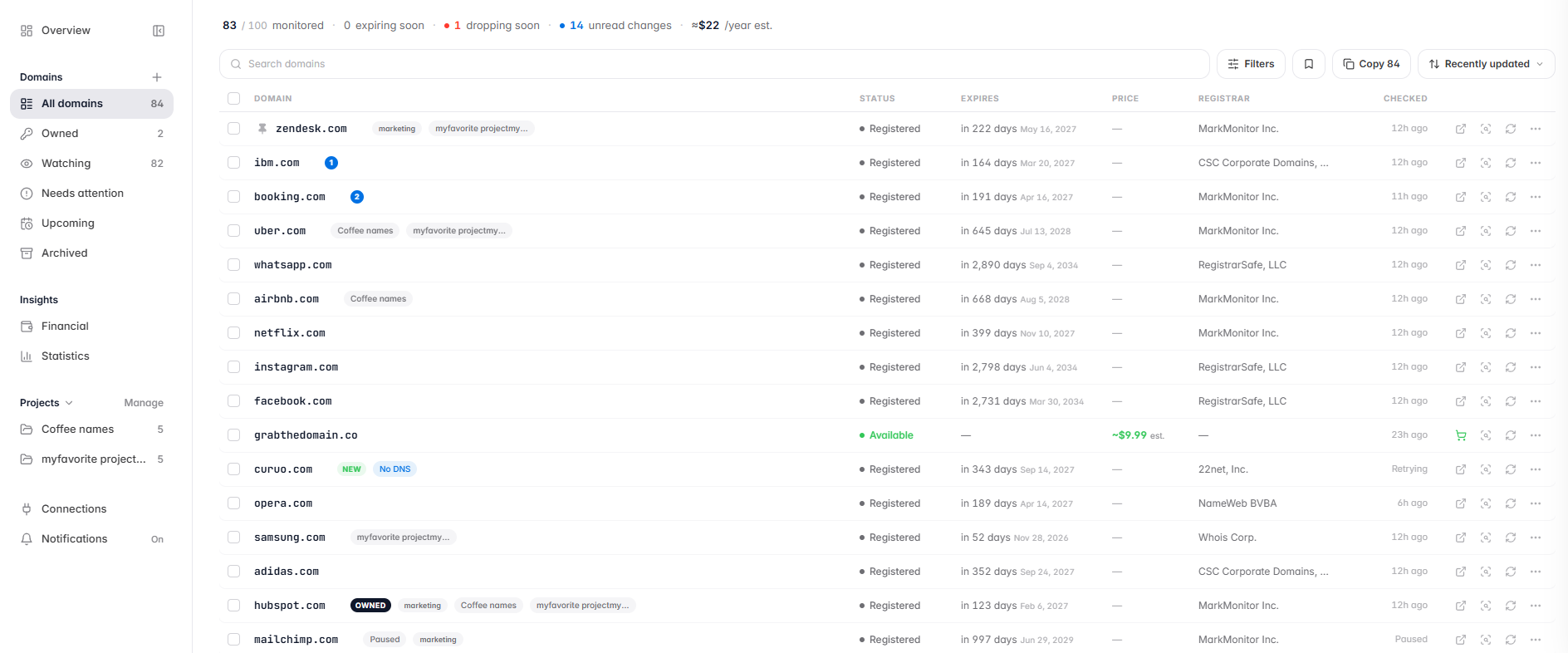
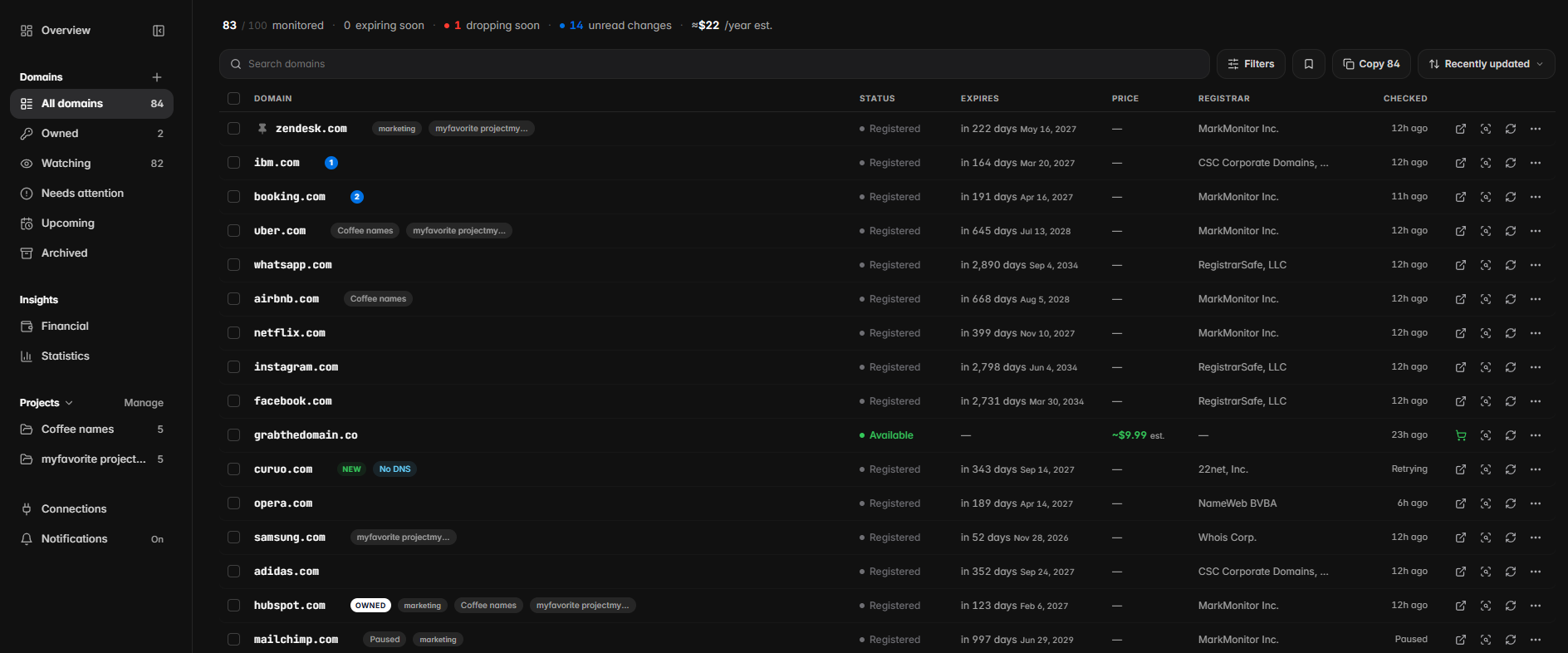
Choose Review on axath to see everything you collected. Untick anything you don’t own, then add the rest to a project or straight to your Hub, where axath watches them from then on.
The extension reads domain names only when you press Collect, and never your passwords or cookies.Privacy